
Nightluck App and Mobile Casino
Nightluck app questions come up frequently among UK players who are used to native casino apps from high-street brands. The factual answer: there is no Nightluck app to download from the App Store or Google Play. All casino features — games, cashier, responsible gambling tools, and live chat — are accessible directly through your mobile browser without installation. This page explains how mobile access works, what a PWA is, and what the browser version actually delivers in practice.
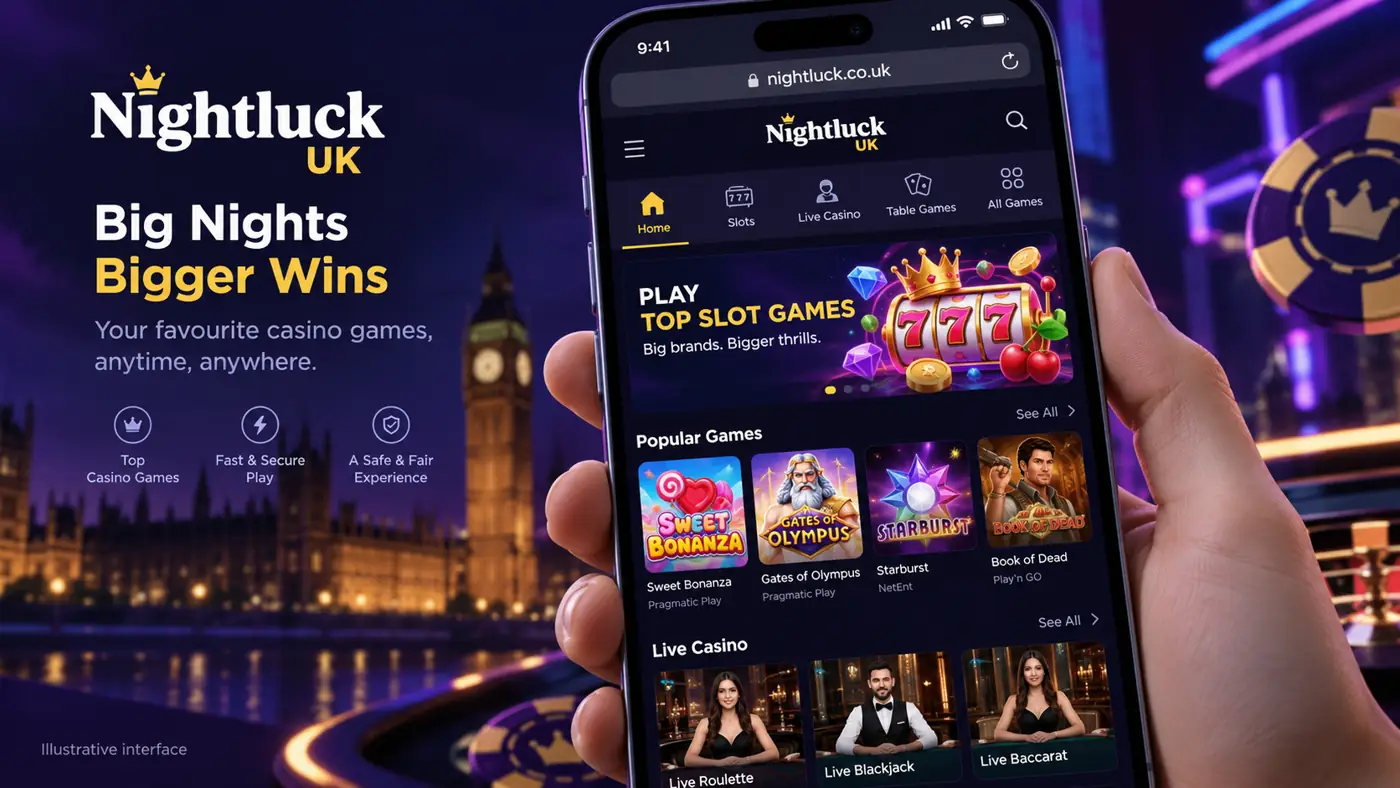
The Myth About the Nightluck Download
Some players search for a Nightluck apk or iOS app file, expecting to need a download to play on mobile. Nightluck is browser-based, which means the platform loads in Safari, Chrome, Firefox, or any modern mobile browser at the same address you would type on a desktop. No download, no storage space used, and no App Store approval delays when the Nightluck site updates.
This setup is increasingly standard among UKGC-licensed operators. The practical difference compared to a native app is negligible for most players: games load via the same servers, the cashier functions identically, and responsible gambling settings are accessible from the browser-based account menu.
How to Access Nightluck on Your Mobile Browser
Opening the Nightluck mobile site takes less than 30 seconds.
- Open your browser — Safari on iPhone or Chrome on Android are the most commonly used and both support the full feature set.
- Type the address — Go to nightluck-online.co.uk. The site detects your screen resolution and serves the mobile layout automatically.
- Log in or register — Use the same credentials as on desktop. Registration is available on mobile and the KYC upload function accepts photos taken directly with your device camera.
- Choose a game — The lobby displays slots, live dealer, and table games. Tap any title to load it directly in the browser without a secondary download.
- Deposit or withdraw — The cashier is accessible from the account icon in the top-right corner of the mobile layout.
Setting Up a PWA for Faster Access
A Progressive Web App (PWA) is not a native app — it is a bookmark that sits on your home screen and opens the Nightluck site in full-screen mode, removing the browser address bar and tab controls so the interface resembles a downloaded app. No installation approval from Apple or Google is required.
Adding to Your Home Screen on iPhone
Open nightluck-online.co.uk in Safari. Tap the Share icon (the rectangle with an upward arrow) at the bottom of the screen. Scroll down the share menu and tap "Add to Home Screen". Give the shortcut a name — "Nightluck" is sufficient — and tap Add. An icon now appears on your home screen and opens Nightluck in full-screen browser mode.
Adding to Your Home Screen on Android
Open the site in Chrome. Tap the three-dot menu in the top-right corner. Select "Add to Home Screen" or, on some Android versions, "Install app". Confirm the prompt. The icon appears on your home screen and behaves like any other installed application, though it runs through the browser engine rather than a native framework.
What the Mobile Experience Covers
The mobile browser version of Nightluck covers every section of the desktop site. The table below summarises the key areas and mobile compatibility.
| Feature | Mobile Availability |
|---|---|
| Slot games | Full library, tap to launch |
| Live casino | Available — requires stable 4G or Wi-Fi for smooth streaming |
| Table games (RNG) | Available |
| Deposits and withdrawals | Full cashier access, including PayPal |
| Responsible gambling tools | Deposit limits, session reminders, self-exclusion all accessible |
| KYC document upload | Camera-based upload supported on iOS and Android |
| Live chat support | Available through the mobile site |
Mobile Lifehacks for Nightluck Players
Getting the best performance from the mobile casino comes down to a few practical adjustments rather than any technical settings.
- Use Wi-Fi rather than mobile data for live casino games — live streaming is sensitive to connection drops that do not affect regular slots.
- Enable browser notifications if Nightluck offers them — this lets the site push deposit confirmation and withdrawal status updates to your lock screen.
- Clear your browser cache monthly if games feel sluggish — accumulated cache data slows page rendering on lower-end devices.
- Set a session time reminder in account settings before your first mobile session — the responsible gambling controls are as accessible on mobile as on desktop, but easy to skip when you are loading directly from a home screen shortcut.
Frequently Asked Questions
Is there a Nightluck app to download?
No. There is no Nightluck app available on the App Store or Google Play. The full casino runs through the mobile browser without any download or installation required.
Does the mobile site work on iPhone?
Yes. The site runs in Safari on iPhone and iPad. All games, the cashier, and account management tools are available. You can also add it to your home screen from the Safari share menu for one-tap access.
Can I make deposits and withdrawals on mobile?
Yes. The full cashier is available on mobile, including PayPal, Visa, and Mastercard deposits and withdrawals. Payment processing times are the same as on desktop.
What is a PWA and is Nightluck available as one?
A PWA (Progressive Web App) is a home-screen shortcut that opens a website in full-screen browser mode, resembling a native app. You can set one up by using the "Add to Home Screen" option in Safari (iPhone) or Chrome (Android) when visiting nightluck-online.co.uk. This is not a downloaded app — it opens the same browser-based site.
Do I need a fast connection for live casino games on mobile?
Standard slots work on most 4G connections. Live dealer games require a more stable connection — Wi-Fi is recommended to avoid stream interruptions. If a live game drops during play, you can reconnect by refreshing the page; your game session is held for a short period.